The 2FA setup process guides the user through a few simple steps to configure two-factor authentication.
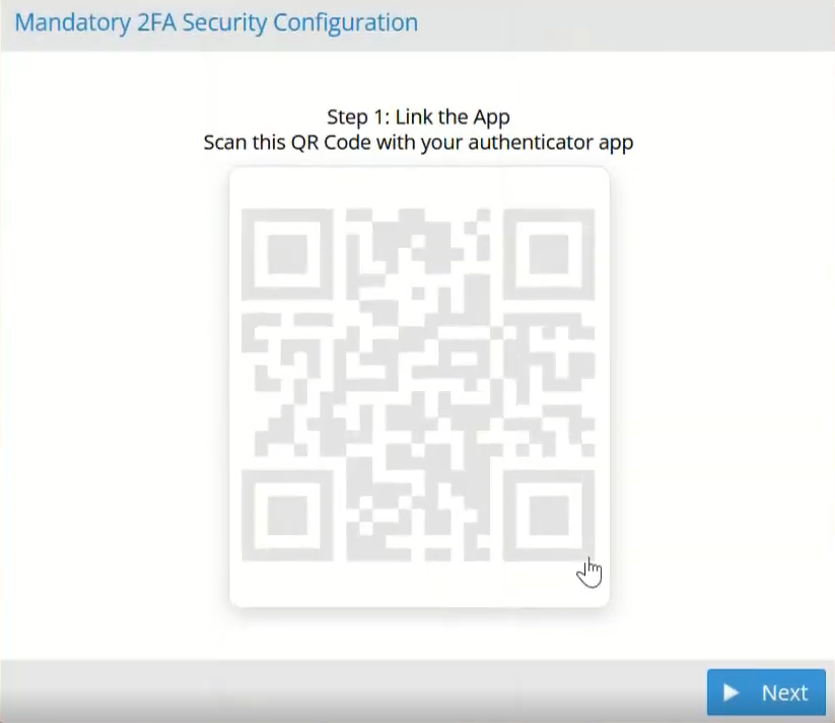
During the setup, a QR Code is displayed and must be scanned using the selected authentication application.
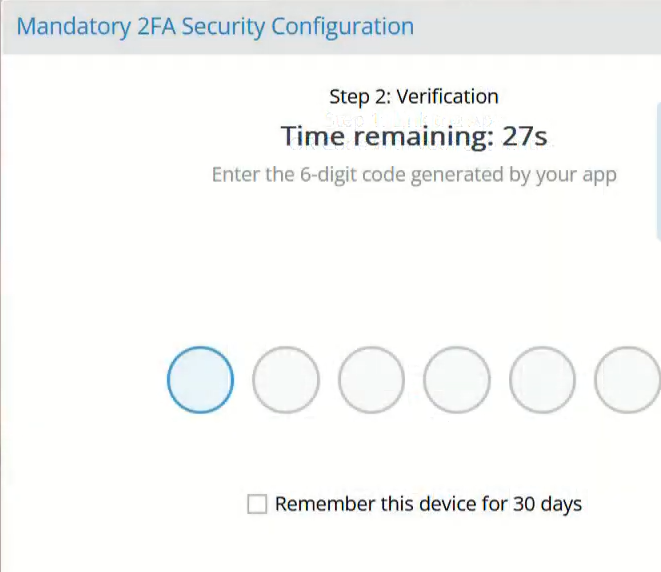
To complete the configuration, the user must enter the verification code generated by the authentication app.
By enabling the Remember for 30 days option, the device is marked as trusted.
During this period, the authentication code will not be required for subsequent logins from that device.
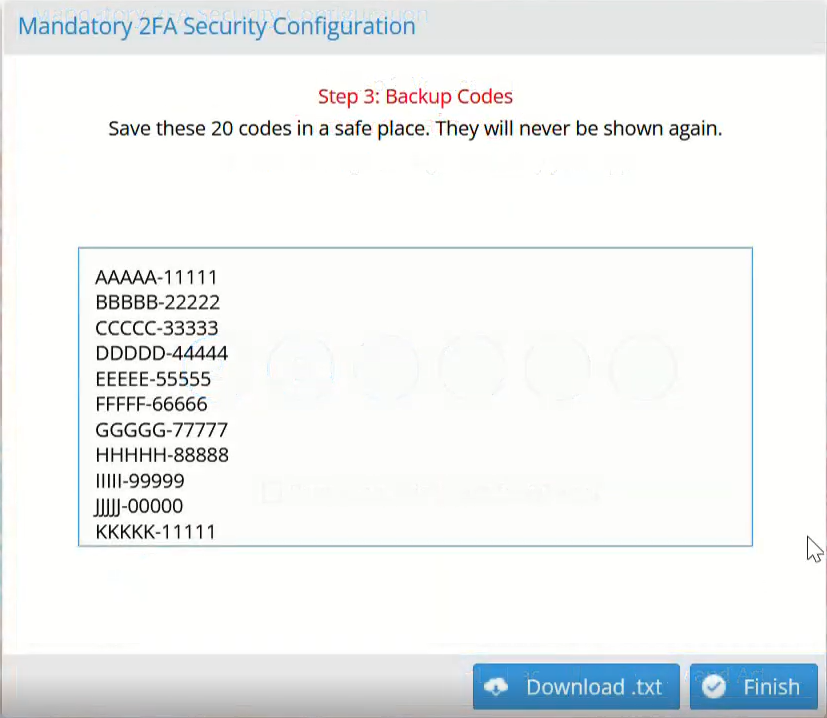
At the end of the setup process, the system automatically generates 20 recovery codes.
These codes should be downloaded or stored in a safe place, as they can be used if the authentication device is unavailable.
Was this helpful?
0 / 0