Before starting the setup, make sure you have:
- the credentials of an active Talk2M account:
- Talk2M Account Name
- Talk2M Username
- Talk2M Password
- Talk2M Token
- an Ewon Flexy device, added to your Talk2M account, connected online
- a Rilheva administrator account, an Internet connection and a browser (Chrome or Firefox).
Token creation
Open Ecatcher and go to the “Accounts” section, click on the “Show advanced settings” item at the bottom of the page.

Once clicked, go to the “Tokens API” section and click the “Manage” button.

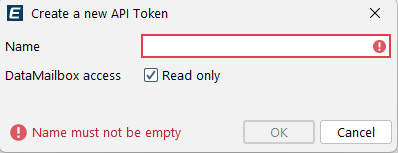
Click “New Token” –> enter a name for the token and then press the “Ok” button.
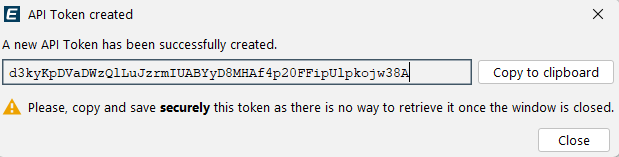
A screen will be opened where you can copy the token for later insertion into the Rilheva account menu.
Was this helpful?
0 / 0