Open the Rilheva portal and log in with your credentials
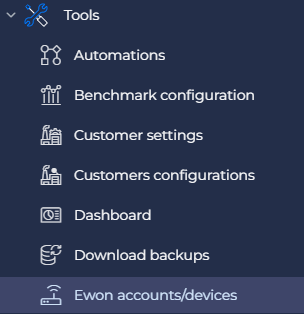
Once inside the portal, click on “Tools” –> “Ewon accounts/devices” and then press the “Add” button.
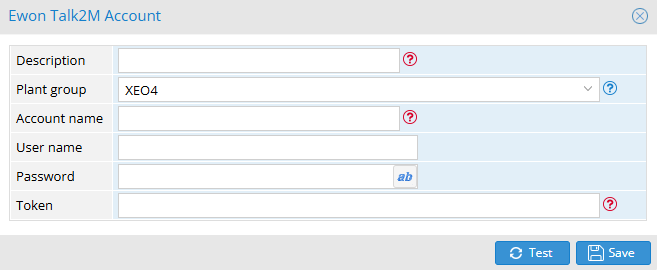
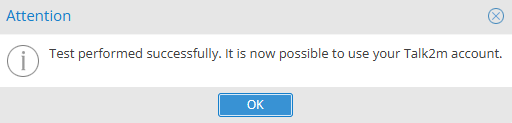
Fill out the form and then press the “Test” button to test your account data. If the test is correct you can save and move on to the next section.
Was this helpful?
0 / 0