This procedure allows you to create the Email Communication Services resource within Azure.
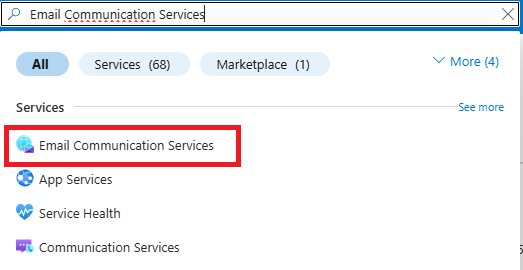
In the Azure portal, type Email Communication Services in the search bar and select the corresponding result.
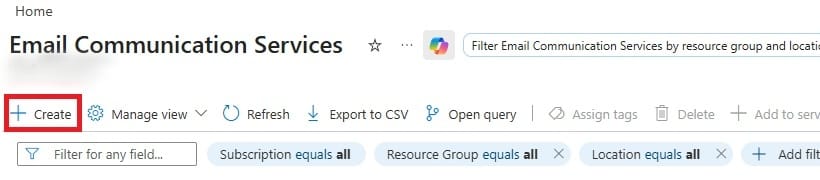
Click Create to start the configuration process.
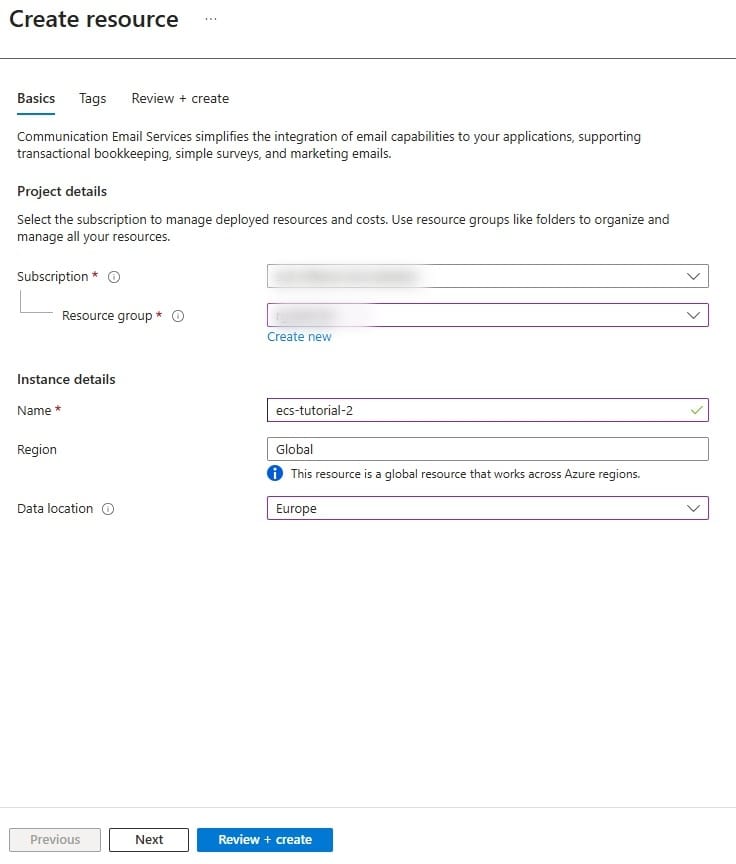
On the configuration screen, fill in the following fields:
- Subscription: allows you to select the same subscription used in the previous step.
- Resource Group: allows you to select the resource group already created.
- Name: allows you to assign an identifying name to the resource.
- Region: leave set to Global.
- Data location: allows you to select the most appropriate region based on your needs.
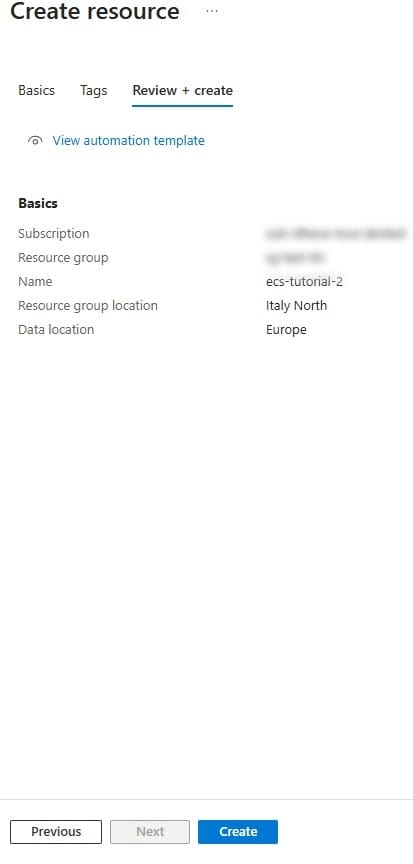
Once the configuration is complete:
- Click Review + Create to verify the entered information.
- Click Create to start the creation of the resource.
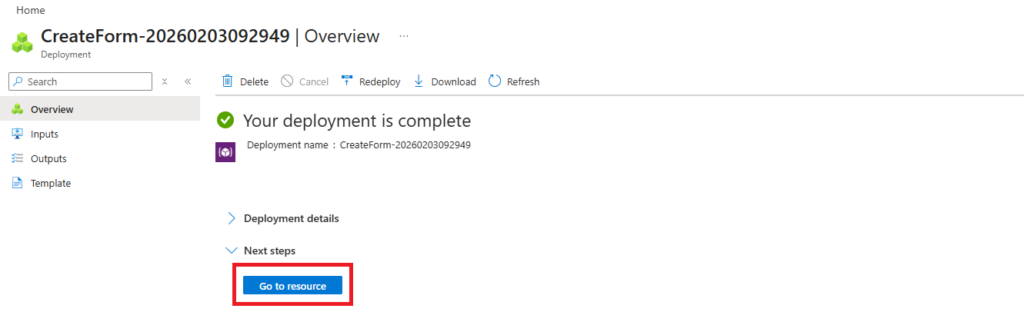
Wait for the resource to be created.
Once complete, select Go to Resource to access the service configuration.
Was this helpful?
0 / 0